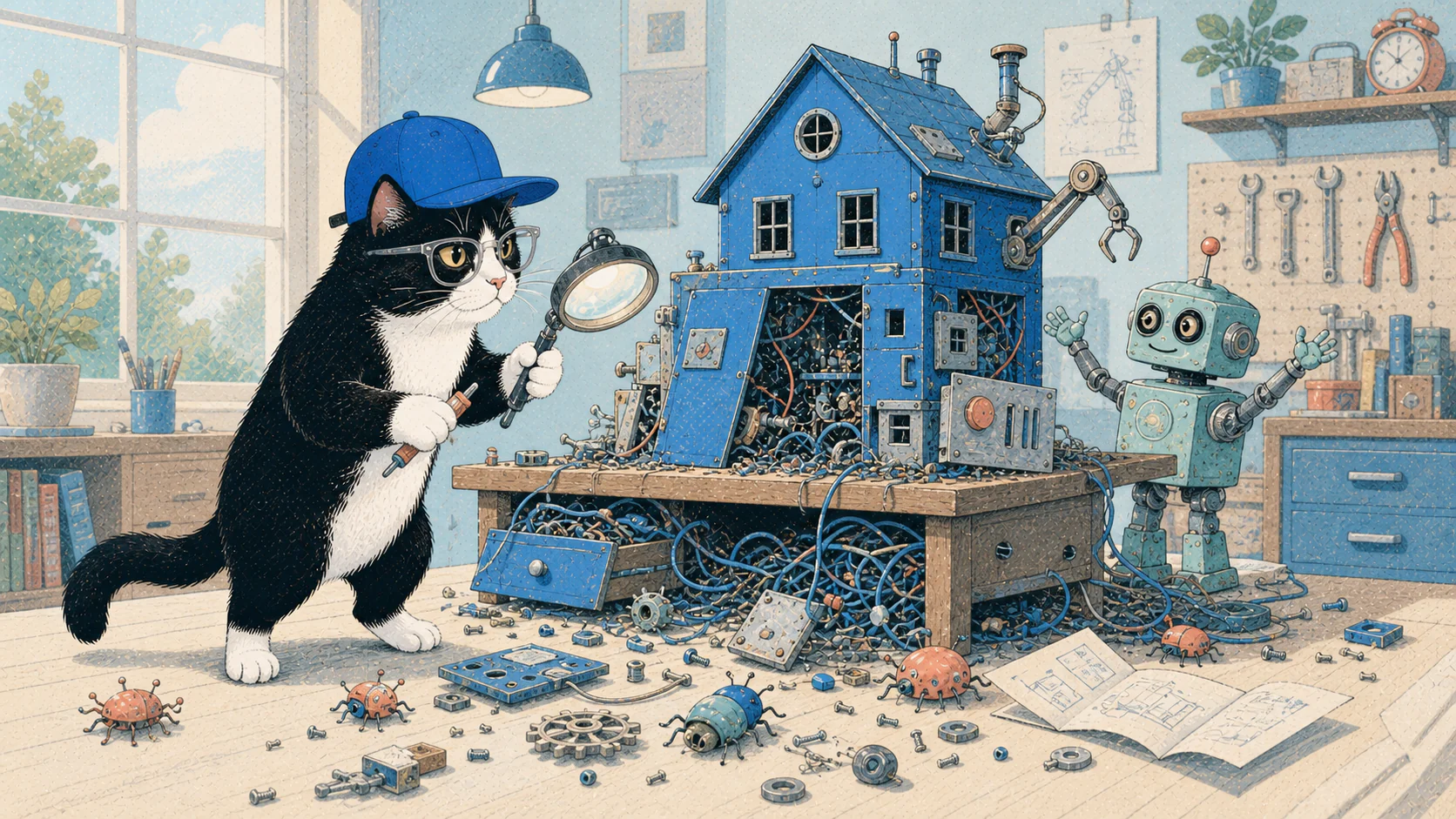
Vibe coding is fun when everything works.
You describe what you want, wait a few minutes, and suddenly there is a website, plugin, or feature sitting in front of you. Something that might have taken days now appears before the coffee gets cold.
It feels like magic.
Then you look under the table.
The layout works, but the CSS follows the wrong approach. The feature runs, but nobody has checked how secure it is. The website looks fine in a browser, but the editor is a mess. The code solved the visible problem while quietly creating three new ones.
The cat has knocked everything onto the floor.
Now someone has to clean it up.
It started with small fixes
I do not remember the first thing I vibe coded. It was not a complete application.
At first, AI helped me work with code that already existed. I used it to clean things up, write snippets, and add small pieces of functionality faster.
One of the first complete packages I remember building was an import feature for a WordPress form plugin. The plugin could export entries, but it did not provide the import method I needed.
Before AI, building that feature would have required more time, research, and trial and error. With a good prompt and the right guidance, a working version appeared much faster.
Of course I was amazed.
AI could produce things in minutes that I would have struggled to write on my own. It did not just make familiar tasks faster. It made more complicated ideas feel possible.
Then the excitement became mixed with worry.
If AI could write code this quickly, what would happen to programmers and developers? I had already felt something similar when AI image generation arrived. It was easy to see how some businesses would need fewer people once they learned how to generate their own graphics.
The same question was now coming for developers.
The first version is very convincing
Vibe coding can build almost anything at this point.
That does not mean it can build everything responsibly without help.
The first version is often convincing because people naturally focus on what they can see. A button works. A page loads. The design looks close enough to the prompt.
The underlying decisions are easier to ignore.
AI will choose an approach when you do not specify one. Sometimes it chooses well. Sometimes it confidently walks in the opposite direction from where you wanted to go.
I once wanted a website’s CSS written mobile first. The AI implemented it desktop first instead.
The result could still look correct in the browser. Most visitors would never know the difference. But it was not the approach I requested, and changing it meant more work.
On another project, I explicitly asked for a particular framework. The AI still added custom CSS where it was not supposed to. Again, the visible result could appear acceptable while the implementation underneath had already drifted away from the plan.
This is where the impressive demo starts becoming real work.
AI is very good at agreeing afterward
A coding agent will sometimes make a mistake, get corrected, and respond as if the correction were an excellent observation.
“You’re right.”
Yes. I know.
That is why I pointed it out.
The problem is that the unwanted change has already happened. AI does not carry responsibility for the result. It does not lose sleep because it ignored a requirement, used the wrong architecture, exposed private data, or spent the remaining usage limit rebuilding something it should have planned properly the first time.
The person running it still owns the consequences.
That is why a useful plan matters. Do not begin with a vague instruction to create an entire product and assume the machine will make every decision the way you would.
Tell it what the project must do. Tell it what it must not do. Define the approach, the constraints, and the point where it needs to stop and ask for a human decision.
Then supervise it.
Cleanup takes longer than the exciting part
Building the first version is fast.
Cleaning it up is where the time goes.
The layout needs to be checked at different screen sizes. Accessibility needs attention. Performance needs testing. The editor experience may need work. The codebase needs to be readable enough for the next person, or the future version of you, to understand.
Security cannot be judged by how polished the front end looks.
A site can appear finished and still be poorly built underneath. That is especially dangerous when the project handles accounts, private information, payments, or anything else belonging to users.
The smaller visual corrections matter too. A heading may be slightly misaligned. A font might load incorrectly. A component may work perfectly on desktop and look strange on a particular tablet width.
This is detailing work.
AI can help with the cleanup, and it can do it quickly. But somebody still needs to notice what is wrong and explain what needs to change.
Experience changes the prompts
An experienced developer does not need to write every line manually to remain useful.
Experience helps you know where to look when something breaks. It helps you recognize when the AI chose the wrong approach, even if the result appears correct. It helps you describe the problem clearly instead of letting the agent wander through the code and consume time, tokens, and usage limits.
The value is not only knowing how to write code.
It is knowing how things should be built, what can go wrong, and which shortcuts will become expensive later.
AI moves quickly, but it still needs direction.
That direction improves when it comes from someone who understands the fundamentals.
Document the lessons before the next project
One useful habit is to document the decisions made while building a project.
Record the preferred architecture. List the tools and frameworks that should be used. Explain the rules the agent must follow and the mistakes it must not repeat.
Claude Code uses CLAUDE.md for persistent project instructions. Codex uses AGENTS.md. These files can document the project’s architecture, conventions, workflows, commands, and lessons for future agent sessions.
They will not prevent every mistake.
Even with detailed instructions, the work still needs review. But documentation reduces unnecessary detours and gives future projects a stronger starting point.
The first website can become a model for the next one. Instead of explaining every decision again, the lessons are already written down.
That saves more than time.
It saves tokens, usage limits, and a little bit of sanity.
What if the AI disappears?
Launching something without understanding how it works can feel great at first.
The website is online. The feature works. People can use it.
But depending completely on AI is like eating something without knowing where it came from or how it was prepared. It may taste good, but understanding the ingredients and the process gives you a different appreciation for it.
It also helps when something goes wrong.
What happens if the AI service is unavailable one day? What happens when the generated code fails in a way the agent cannot immediately solve? What happens when another developer needs to maintain it?
You do not need to understand every line of a large application. You should at least understand what you are responsible for.
When I discover a band I like, I want to know who the members are. I read about them. Sometimes I learn their songs.
Technology deserves some of that same curiosity.
Using a tool becomes more meaningful when you understand something about how it works.
Not every project carries the same risk
A small brochure website is a good place to experiment.
If it breaks, the damage is usually limited. You can learn, rebuild, and try another approach.
A website involving memberships, personal information, or payments is different. The risk no longer belongs only to the person who built it. Users are trusting the product with something valuable.
That kind of project should never be launched through unsupervised vibe coding.
It needs security reviews, careful testing, backups, proper access controls, and somebody who understands the system well enough to take responsibility for it.
The more a project can affect other people, the less acceptable it becomes to say, “The AI built it, so I assumed it was fine.”
Responsible vibe coding still looks like development
Vibe coding does save time.
Even after the cleanup is included, it can make building much faster when the person guiding it understands what they are doing. Repetitive tasks can be automated. First versions can be tested sooner. Complicated ideas can become working prototypes before their energy disappears.
That is worth celebrating.
Responsible vibe coding does not mean refusing to use AI. It means using it with a working plan, clear constraints, testing, security, documentation, and human supervision.
Traditional coding knowledge has not become useless. The fundamentals may matter even more now because generated code arrives faster than people can understand it.
Anyone can ask AI to build something.
The harder part is knowing whether it built the right thing, whether it built it properly, and whether it is safe to release.
So if your AI-generated app worked on the first try, congratulations.
Seriously. That is pawsome.
Now check what the cat knocked over.